Text to Image
Turn your ideas into unique folk art illustrations. Describe a scene, character, or story with your preferred colors, patterns, and mood, and AI will transform your words into a handcrafted composition full of charm and detail.
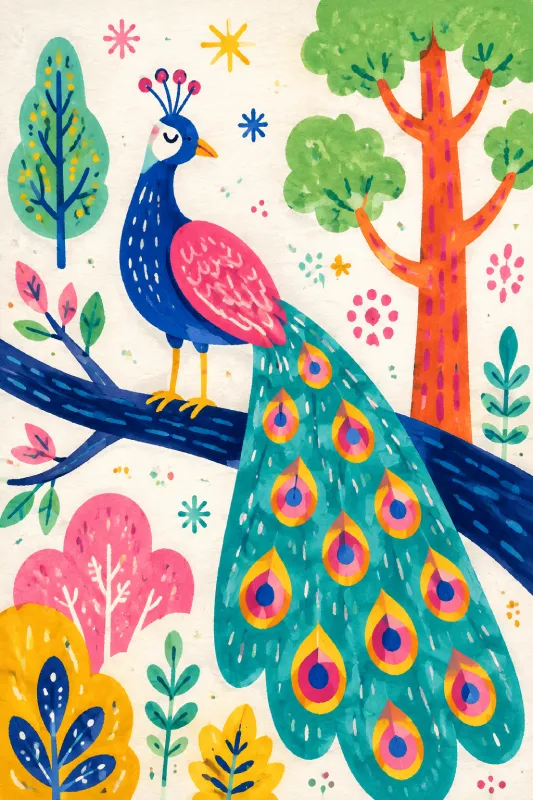
Turn your ideas and photos into warm, colorful folk art with AI. Create handcrafted-style illustrations of portraits, places, animals, and objects with rich patterns and painterly details.
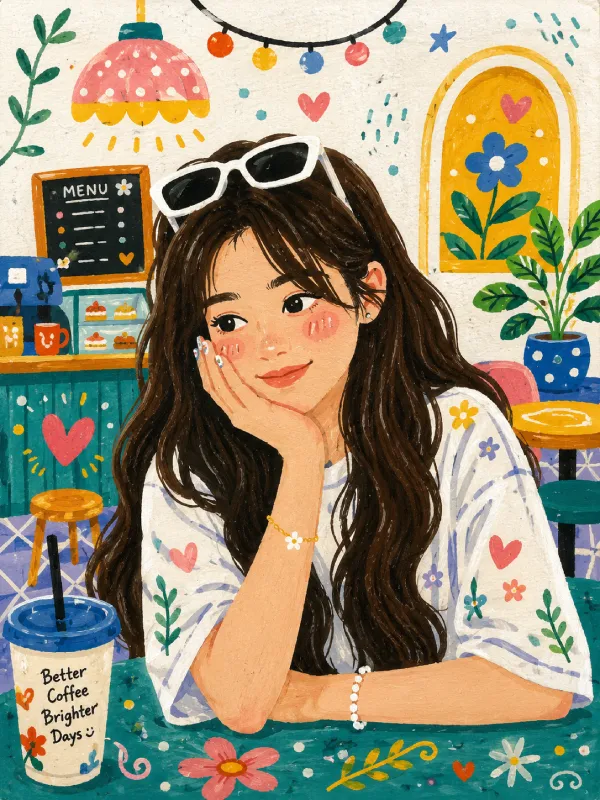
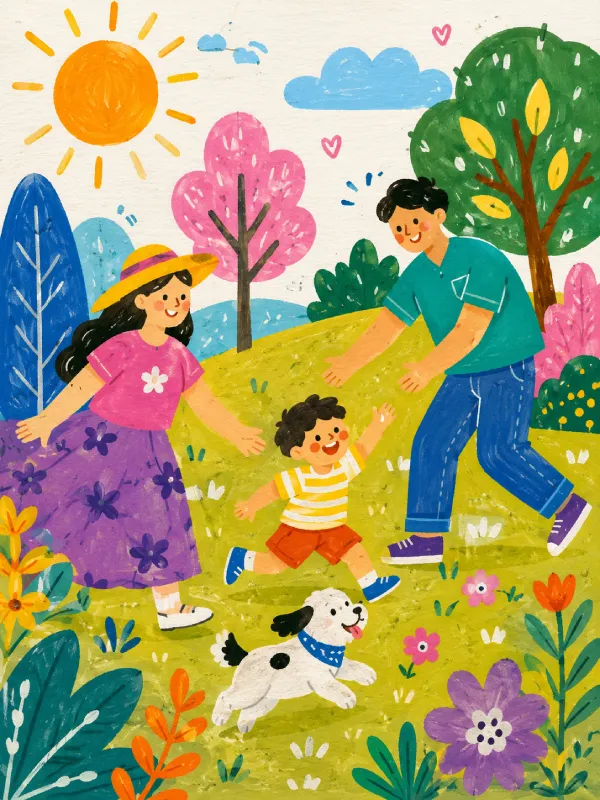
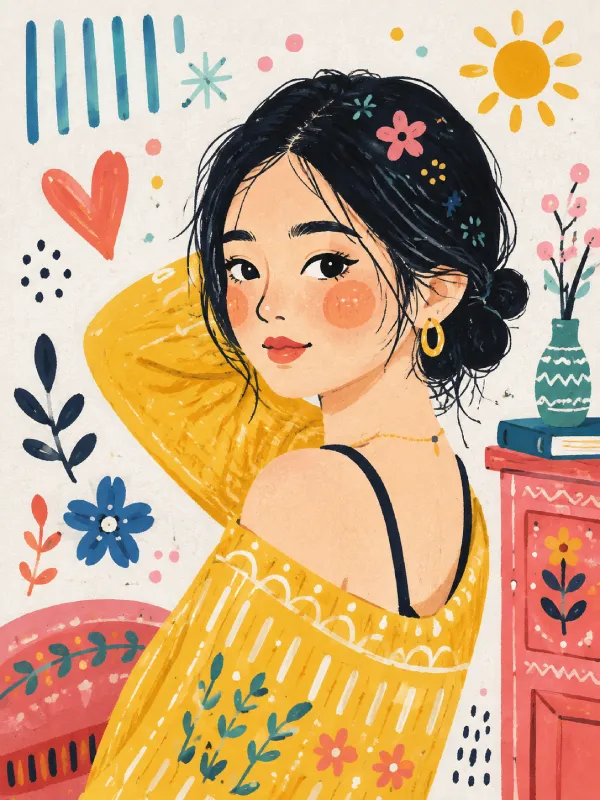
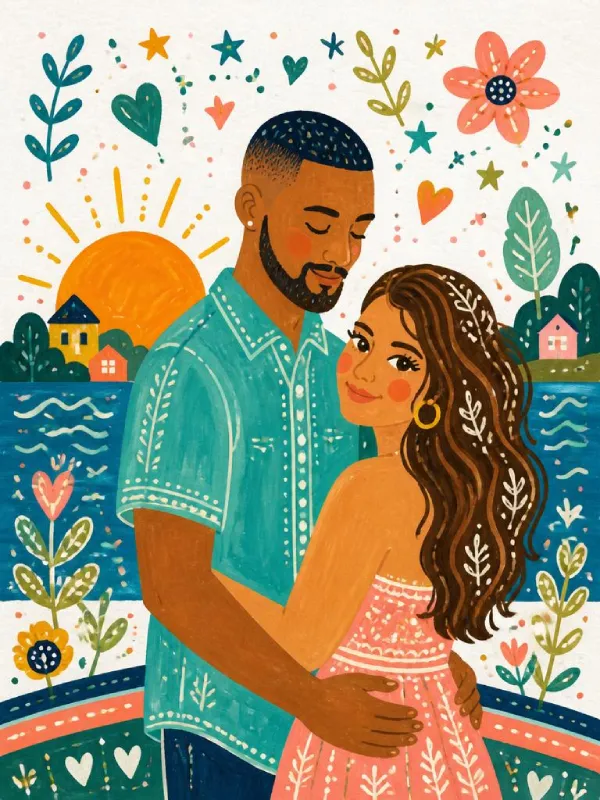
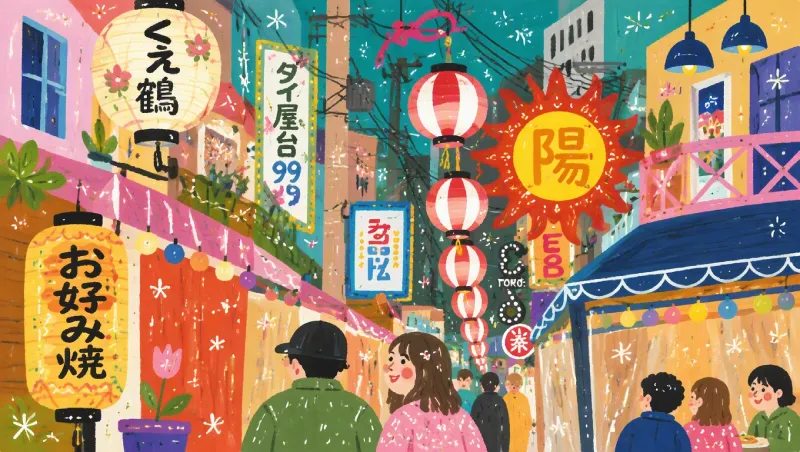
Folk art is a creative style inspired by local traditions, everyday experiences, and the personal expression of its makers. Rather than focusing on realistic details, it uses bold colors, simple forms, symbolic patterns, and handcrafted textures to tell meaningful stories. Common subjects include flowers, animals, homes, landscapes, festivals, and family moments. With its charming imperfections and decorative details, folk art brings warmth and personality to every image. Create a new illustration from a simple idea, or transform your favorite photo into a handcrafted artwork filled with cultural character and artistic charm.
Turn your ideas into unique folk art illustrations. Describe a scene, character, or story with your preferred colors, patterns, and mood, and AI will transform your words into a handcrafted composition full of charm and detail.
Give your photos a folk art transformation. Upload an image and reimagine familiar moments with decorative patterns, vibrant colors, artistic textures, and a handcrafted illustration style while keeping the original subject recognizable.
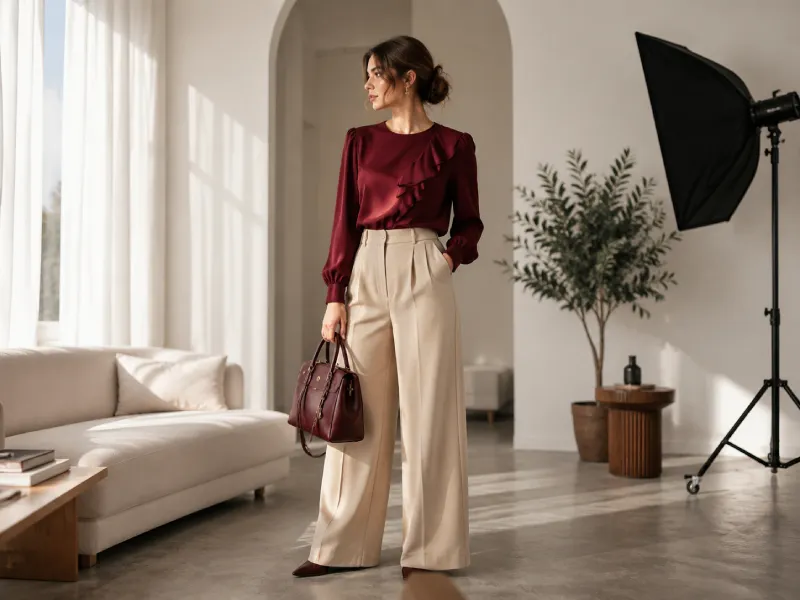
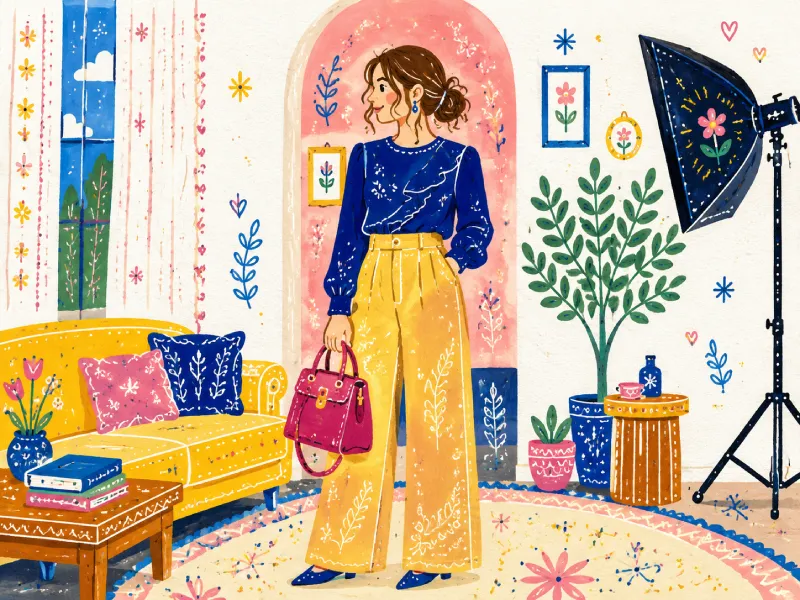
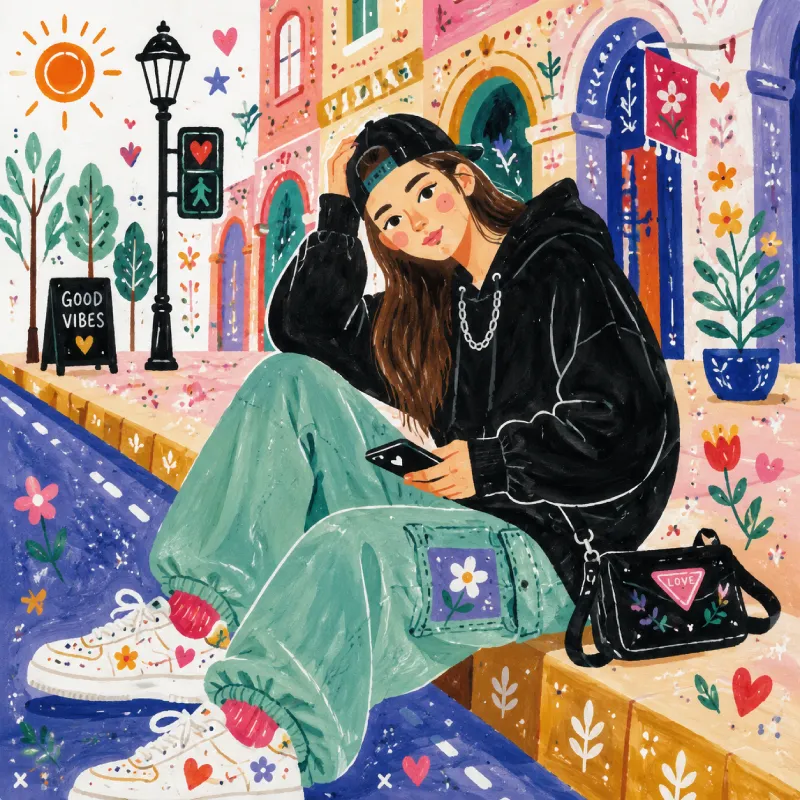
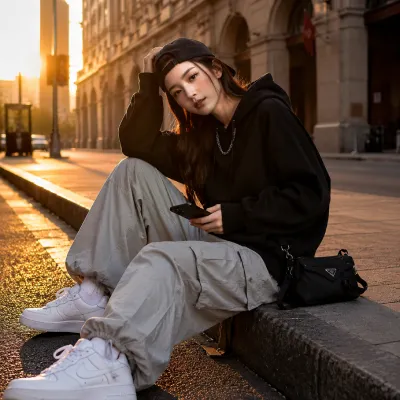
Select Text to Image to create a new folk art scene from your imagination, or choose Image to Image to transform an existing photo. Explore different artistic directions with just a few clicks.
For Text to Image, describe the subject, setting, colors, patterns, and mood you want to create. Try ideas like red tulips, blue birds, village markets, or cozy family scenes to guide the style.
Click Generate and let AI turn your idea or photo into a folk art illustration with bold colors, simplified shapes, decorative patterns, and handcrafted textures. Create new variations by adjusting your creative input.
Preview your finished folk art image, download your favorite version, and use it for personal projects, mood boards, social media posts, or creative inspiration. Keep exploring new ideas anytime.
Create folk art with painted texture, clear shapes, and decorative marks without drawing every element by hand. Revise the details until the composition feels personal and complete.
A pet, garden, meal, trip, or family gathering can become folk art with a stronger sense of place. The transformation adds color and visual rhythm while keeping the memory at its center.
Experiment with floral borders, geometric patterns, earth tones, bright colors, or whimsical animals. AI folk art lets you combine references and ideas into a result specific to your subject.
Generate folk art images for invitations, profile posts, gift ideas, presentation concepts, or personal collections. Download a high-quality result when you are ready to share it.
In image generation, folk art is a visual direction that favors handcrafted character over photographic realism. It can include simple shapes, rich color, decorative motifs, uneven painted texture, and scenes drawn from daily life, nature, or local storytelling.
Yes. Choose Text to Image, describe the subject and setting, then include colors or motifs that fit your idea. The generator works especially well with clear subjects such as animals, homes, gardens, people, food, and celebrations.
Yes. Upload a PNG, JPG, JPEG, or WEBP image in Image to Image mode. The generator uses the photo as a guide for the subject and composition, then recasts it with a folk art style and decorative visual details.
Begin with who or what should appear, then add a setting and a few meaningful details. For example: a black cat in a flower garden, red and blue painted flowers, patterned border, warm handmade texture. Focus on the feeling you want rather than adding every possible detail.
You can create folk art portraits, animal illustrations, seasonal cards, imagined landscapes, kitchen scenes, decorative posters, and early concepts for creative projects. It is also useful for finding fresh directions before you make an illustration by hand.
AI folk art can help you explore broad visual qualities, but cultural traditions deserve accurate research and respectful context. Use the results as a starting point, avoid presenting generated work as authentic heritage craft, and consult knowledgeable artists or sources when a project calls for specific traditions.
Yes. Folk art images can work well for personal posts, creative mood boards, invitations, and concept presentations. Before commercial use, check the applicable terms for your account and make sure your final use respects any cultural references or third-party materials.
No. The generator is made for beginners and experienced creators alike. A short description or one reference photo is enough to start; you can improve the result by changing colors, motifs, composition, or the amount of texture in later prompts.