AI Coloring Page Generator

Create printable black-and-white AI coloring pages from a simple idea or your own photo. Turn animals, family moments, fantasy scenes, and learning topics into clean line art ready to color.

Mode
Image Reference
Aspect Ratio
5 credits
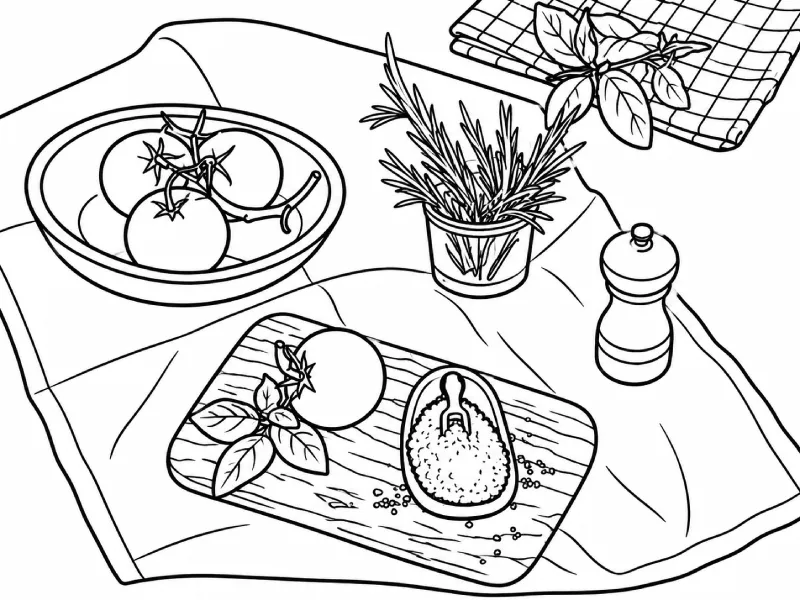
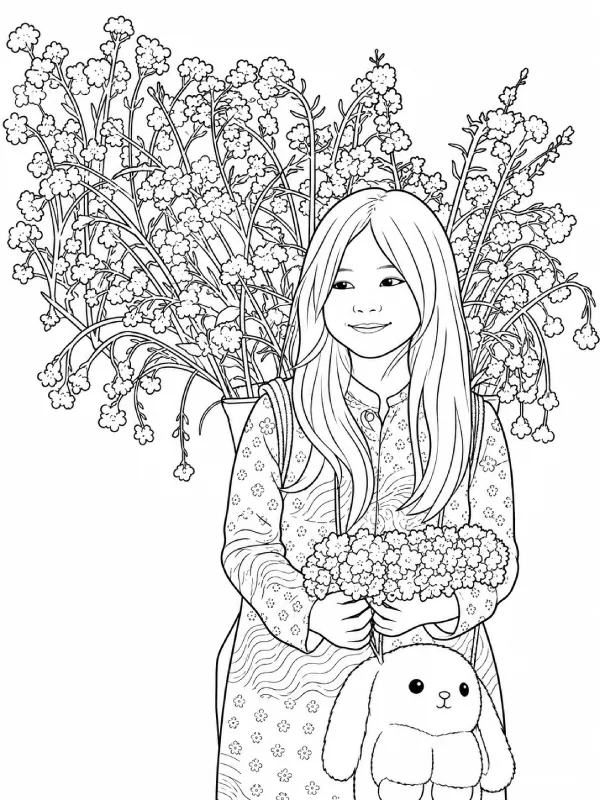
Coloring page example one
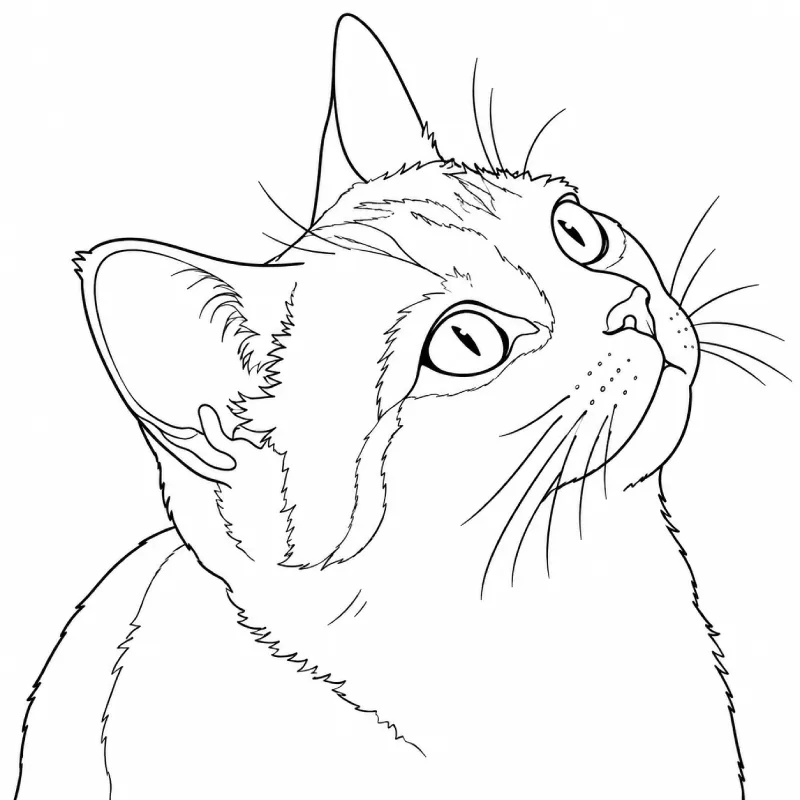
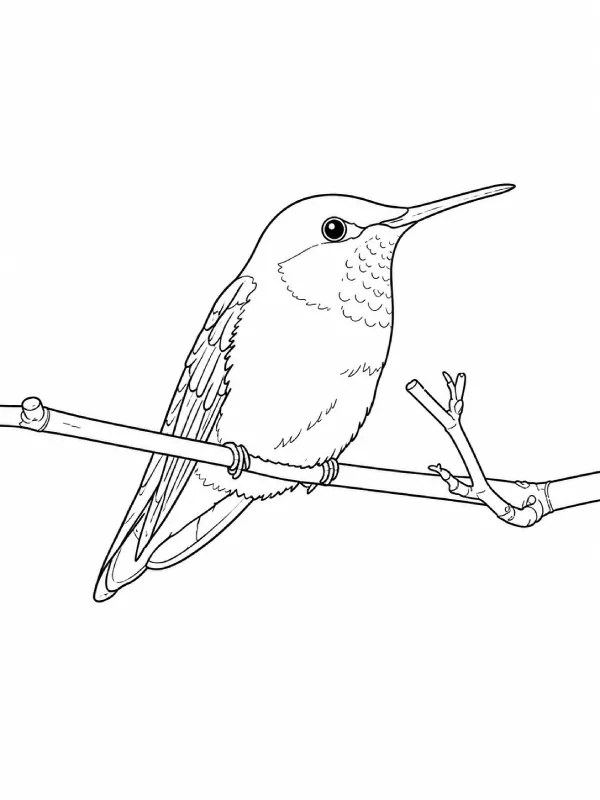
Coloring page example two
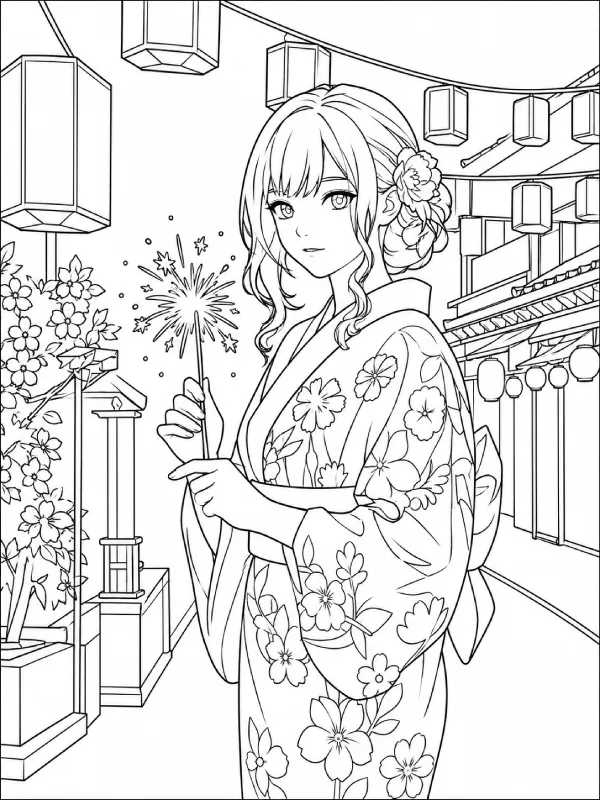
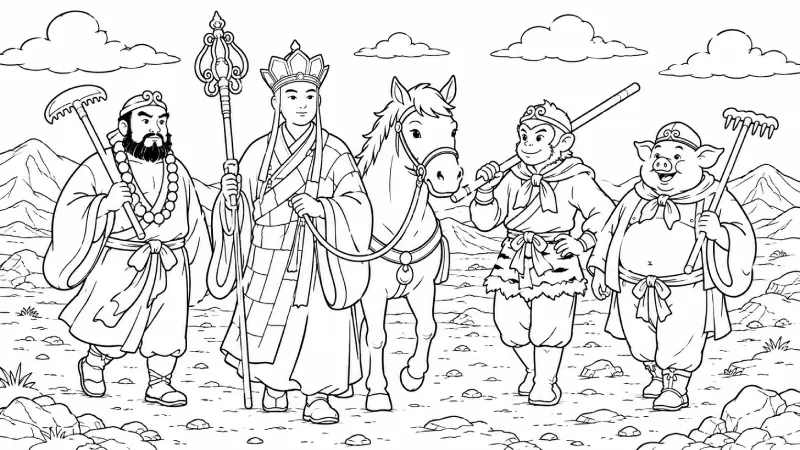
Coloring page example three
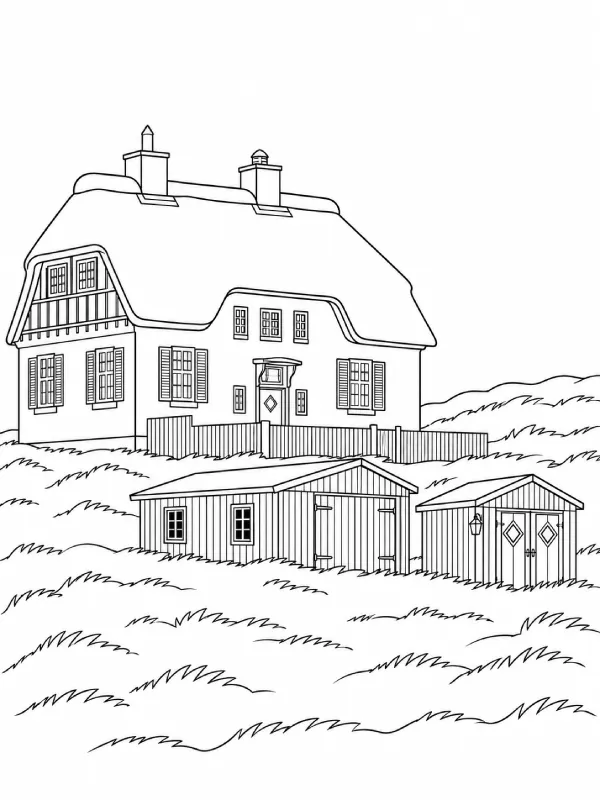
Coloring page example four

What is an AI Coloring Page Generator

Printable black-and-white coloring page

An AI Coloring Page Generator turns a written idea or reference image into printable black-and-white line art. Instead of searching for the right design or drawing every detail yourself, simply describe what you want, from a cozy cottage and space explorer to a realistic horse or underwater world. A well-designed coloring page uses clear outlines, recognizable shapes, and open spaces for crayons, markers, pencils, or digital coloring tools. Create simple pages for preschoolers, detailed designs for older kids, or intricate artwork for adults. It is an easy, flexible way to make coloring pages for classrooms, quiet time, celebrations, gifts, and creative projects.

Create with an AI Coloring Page Generator

Text to Coloring Page

Describe the subject, setting, and level of detail you want. A prompt such as “a city skyline with tall buildings and busy streets” can become a clean, ready-to-print coloring page with clear outlines. Add landmarks or simple details to personalize the scene.
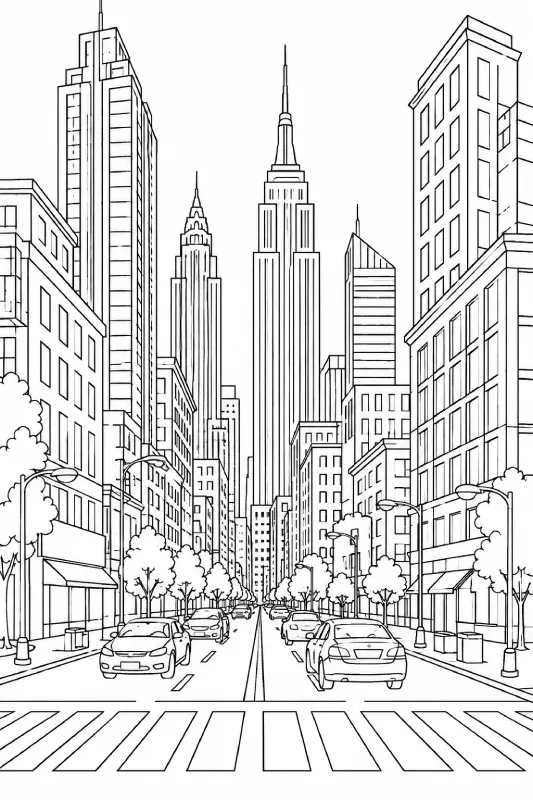

Printable coloring page line art

Photo to Coloring Page

Upload a photo and convert its main subject into black-and-white line art. Use it for a family coloring page, pet portrait, or classroom keepsake. The generator removes color and clutter while retaining the subject, pose, and helpful details.

Reference image for a coloring page transformation
Generated printable coloring page line art

How to Use the AI Coloring Page Generator

Generated coloring page line art
Reference image used to create a coloring page
  1. 01

    Choose an Input Method

    Select Text to Image to create a new coloring page from a text prompt, or choose Image to Image to transform an uploaded photo into printable black-and-white line art. Pick the mode that best matches the kind of coloring page you want to create.

  2. 02

    Provide Your Input

    With Text to Image, describe the main subject, setting, style, and level of detail you want. With Image to Image, simply upload a photo and let the image serve as the visual reference for the transformation.

  3. 03

    Generate Clean Line Art

    Click Generate to turn your input into a coloring page with clear black outlines and open areas for coloring. If the result is too detailed, try a simpler prompt or use a clearer reference image for a cleaner design.

  4. 04

    Download and Start Coloring

    Save your favorite result and print it on suitable paper. Use crayons, colored pencils, or markers to bring the design to life, or import the page into a tablet app for digital coloring. Create multiple versions to explore different subjects and styles.

Why Use an AI Coloring Page Generator

Made for Your Exact Idea

Create hard-to-find subjects, from a child's favorite animal to a family tradition. Choose the theme, setting, mood, and small details.

Simple or Detailed on Purpose

Use bigger shapes for early learners, or ask for patterns and fine details for teens and adults. Set the activity's challenge and length.

Useful Beyond Playtime

Create educational pages about animals, weather, letters, occupations, or history. Turn a topic into an activity that encourages observation and discussion.

Ready When Inspiration Strikes

Generate a page for a birthday, rainy afternoon, lesson, or travel idea. Keep versions, download a favorite, and return for a new composition.

FAQ

It creates black-and-white sheets from a written prompt or photo, with clear outlines and open areas for coloring, printing, or digital use.

Yes. Upload a PNG, JPG, JPEG, or WEBP image. The tool simplifies its main subject into line art while retaining the pose, clothing, or setting.

Start with the subject, setting, and detail level. Try: "gentle dragon reading in a library, bold outlines, medium detail." Mention larger shapes for children or patterns for adults.

Yes. For kids, ask for simple shapes and fewer objects. For adults, add patterns, elaborate costumes, or a layered landscape. Adjust the prompt for any age.

The coloring-page style uses black-and-white line art on a plain background. Preview the file and choose settings that fit your paper size and printer.

Use them for home activities, party favors, classroom worksheets, holiday crafts, gifts, or calming creative breaks. A saved file also works for a tablet.

No. A short description is enough. Change the subject, background, complexity, or age range; the tool handles the line-art conversion.

Yes. You can freely use generated pages in personal or commercial projects. Make sure you have the necessary rights to any reference image you upload and that your use does not infringe on third-party rights.